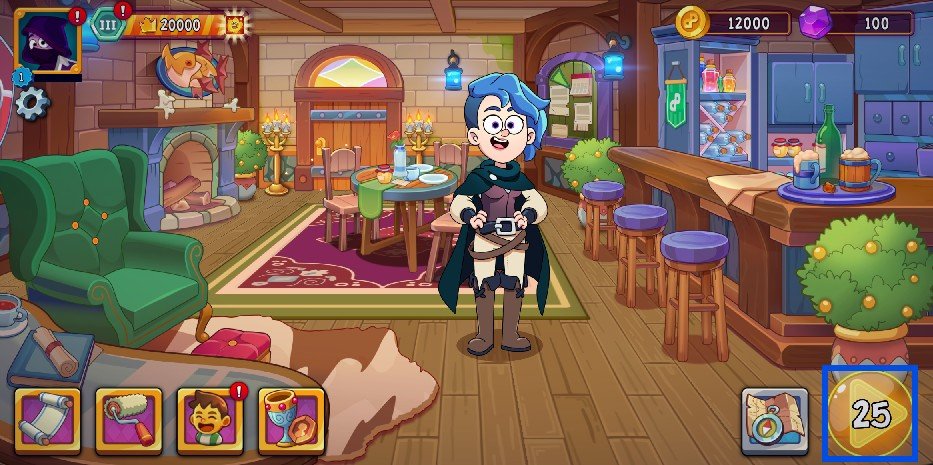
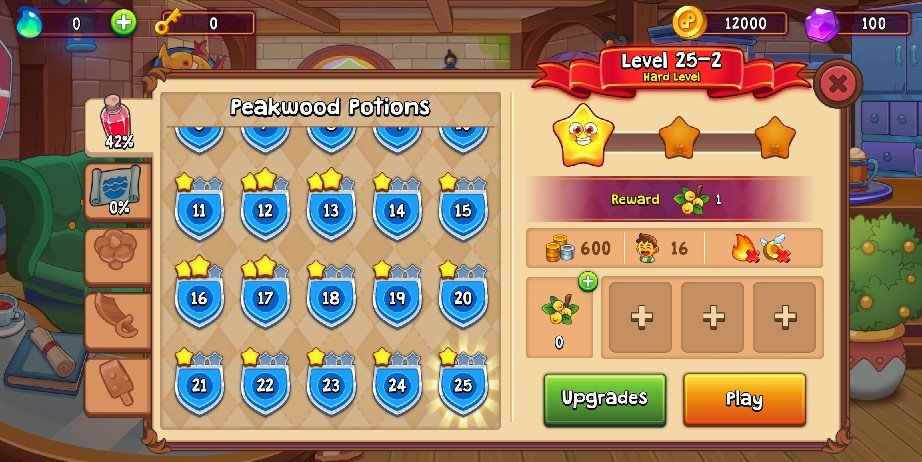
You can play the game through the venue hub and tapping on the Quick Play button located on the bottom right of the screen. This will lead you to level selection, where the most recent level you can play will be displayed.
From this screen you can see all the details of the level selected, what your goal is to finish it, what limit type it is and which fail conditions to avoid to pass.
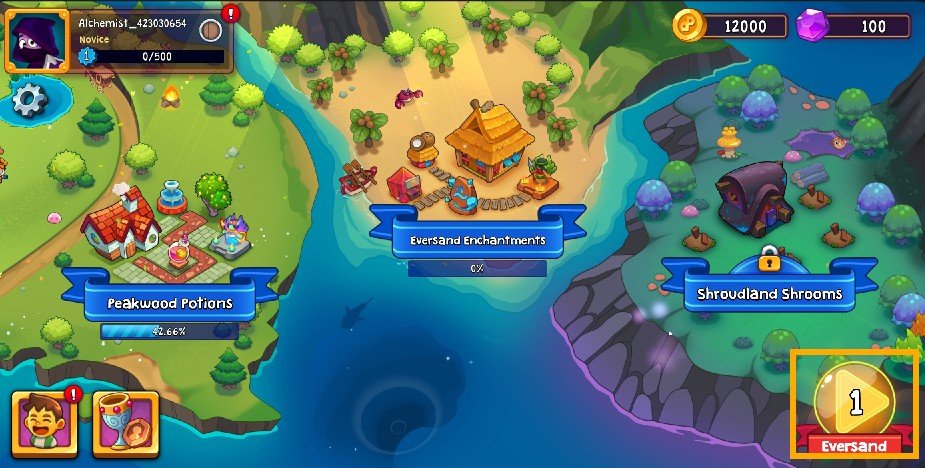
You can also select a level from the World Map, but the level selection will be based on the latest venue.
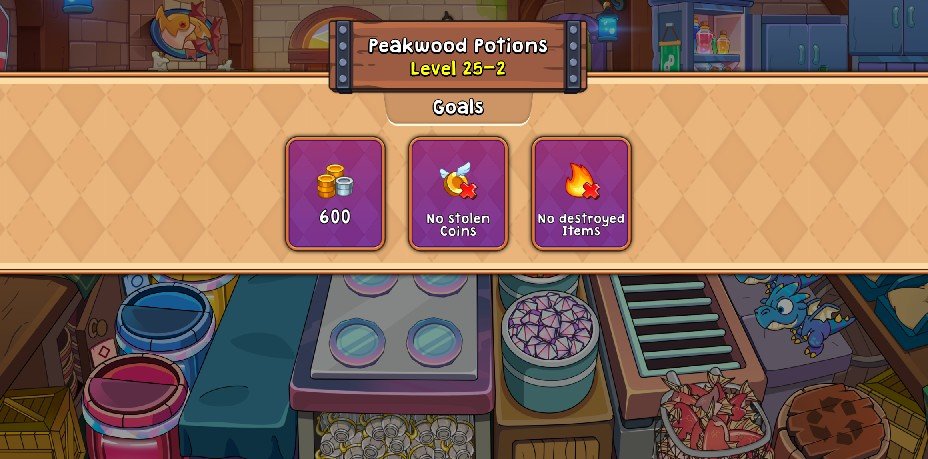
Once you tap the Play button, the screen will transition into the level and this will appear to briefly show you the goals of the level.
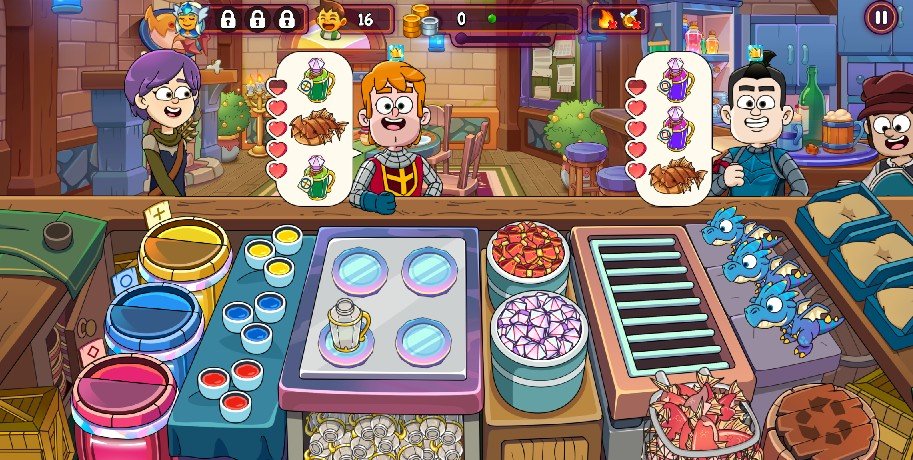
After the level info disappears you’ll see the shop table, where you can prepare a variety of items to serve to patrons. Make items based off of the orders patrons ask for.
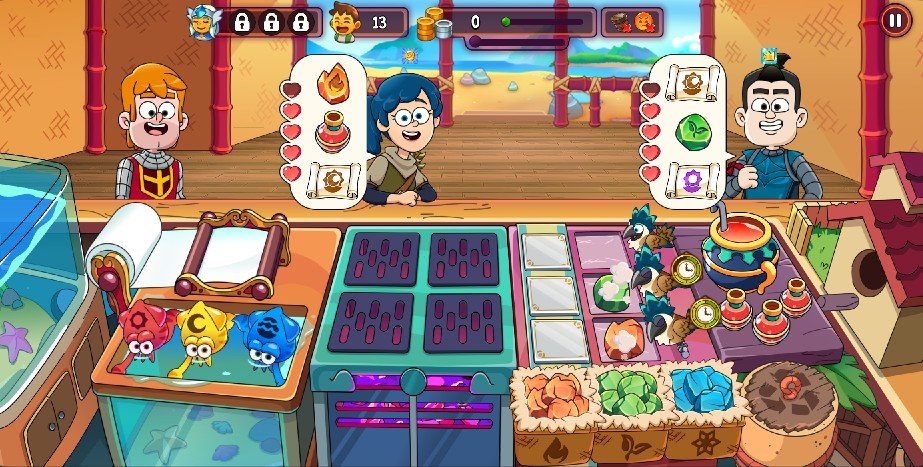
Other venues have different shop table layouts with more items for you to make.

 Home
Home